Raw video in.
reel out.
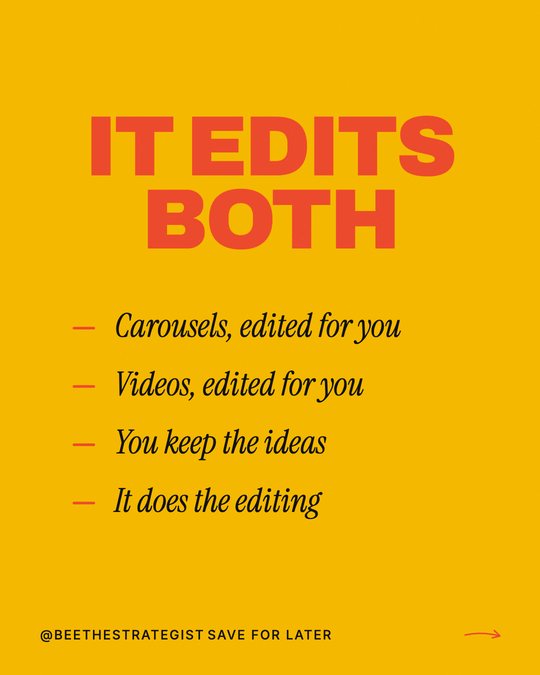
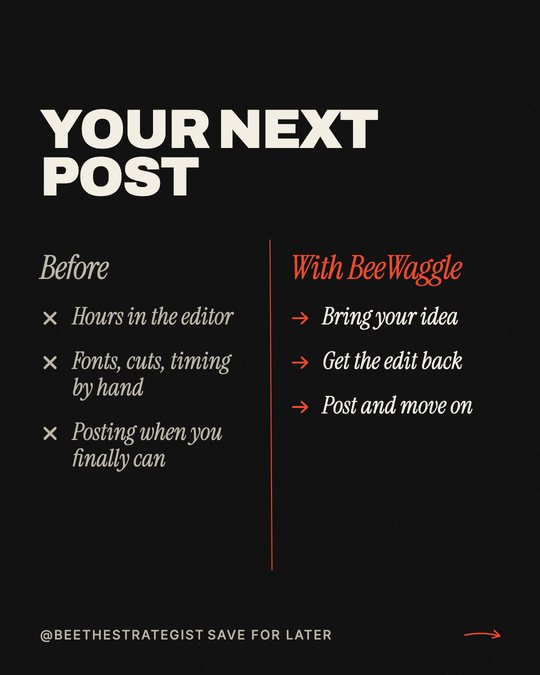
BeeWaggle edits your talking videos and carousels instantly.
Drop your raw take: Bee cuts the dead air and retakes, writes the captions and adds the animations.
Want to get in sooner? Every friend who joins with your link moves you up 10 spots.
0 friends joined with your link so far.
By BeeTheStrategist: 5 channels, 2B+ views.
What Bee did in this video (you did nothing but talk)
- Cut 11 minutes of raw footage into a finished reel
- Removed the dead air, the "umm"s and the retakes
- Wrote the captions word by word, key words in gold
- Added the zoom-ins that keep people watching
- Animated the $450 moment and the "what you know" chart

How it works
Drop your raw take
One long clip, retakes and all. Even 10+ minutes.
Bee edits it
Dead air and retakes out, captions in, animations where they help.
Tell Bee what to change
"Make it punchier." "Bigger captions." Any way you say it. Then export and post.
Questions? answered.
How does it work?
Upload your raw video, even 10+ minutes with retakes. Bee cuts the dead air and the retakes, writes the captions and adds the animations. Want something changed? Just type it, like texting a friend. Then export and post.
Is it just AI?
No. Bee is AI, but its taste is human. Every choice it makes (where to cut, how long to hold a shot, composition, color, caption style) follows rules set by Timotei, our filmmaker, from his film studies at university and years of books on the craft. The AI brings the speed. The eye is human.
Can it make carousels in my style?
Yes. Use your brand colors and fonts, or show Bee a design you like and it builds yours in that vibe, with your words.
Is my content used to train AI?
No. Your video stays on your computer. To write your captions, only the sound is sent to be turned into text, then deleted. To edit, Bee only sees the transcript, a few still frames and anything you show it. Our AI providers' terms don't allow training on it, and we don't keep it.
Vertical or horizontal videos?
Both. Reels, TikToks, Shorts or full YouTube videos.
Which platforms can I post on?
Any. You export a normal video file (and images for carousels) and post it wherever you want: Instagram, TikTok, YouTube, LinkedIn.
Who is it for?
For you if you have the ideas, you film talking videos, and editing is where everything dies. Coaches, creators, small business owners. No editing skills needed: if you can send a text, you can use it.
What do I need?
A computer. BeeWaggle works in your browser, on a computer for now (phone is coming). English only for now, more languages are coming.